
Really Simple XML and HTML Sitemap
Create SEO-friendly HTML and XML sitemaps for WordPress, WooCommerce, and Custom Post Types in minutes. The free version includes HTML Sitemap generation, XML Sitemap Index support, REST API endpoints for sitemap data, multilingual compatibility, flexible Gutenberg Block, and shortcode options. Premium adds Image, Video, and Taxonomy Sitemaps, automatic Robots.txt integration, and advanced sitemap features to help search engines discover and index your content more effectively.
About This Plugin
Really Simple XML and HTML Sitemap helps you generate SEO-friendly HTML and XML sitemaps for your WordPress website.
Display a customizable HTML sitemap anywhere on your website using either a Shortcode or the built-in Gutenberg Block while automatically generating XML sitemaps for search engines such as Google and Bing.
The plugin supports Posts, Pages, WooCommerce products, Public Custom Post Types (CPTs), multilingual websites using WPML and Polylang, and includes REST API endpoints for headless WordPress applications.
XML sitemap files are generated automatically and can be submitted to search engines to improve content discovery and indexing.
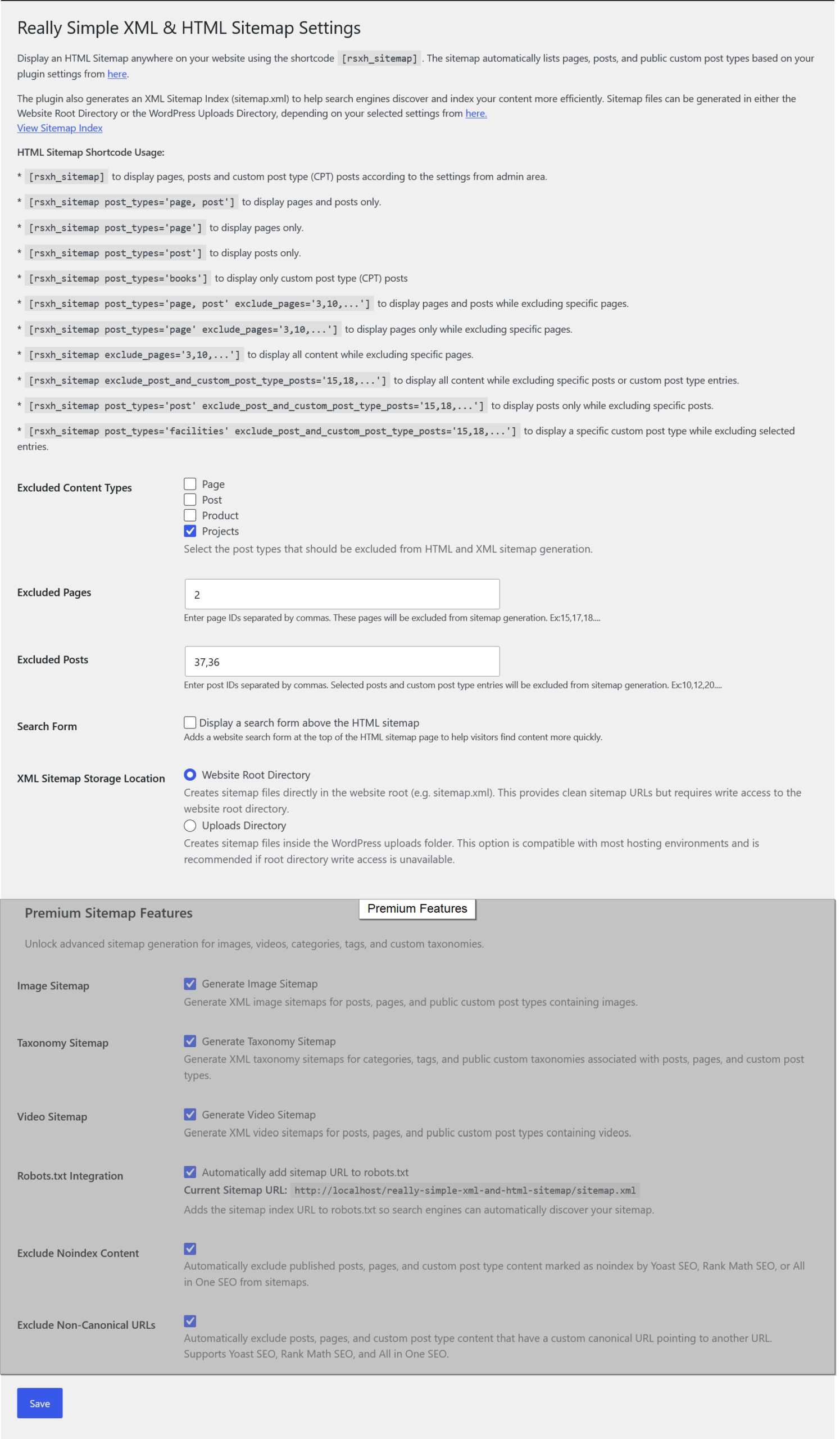
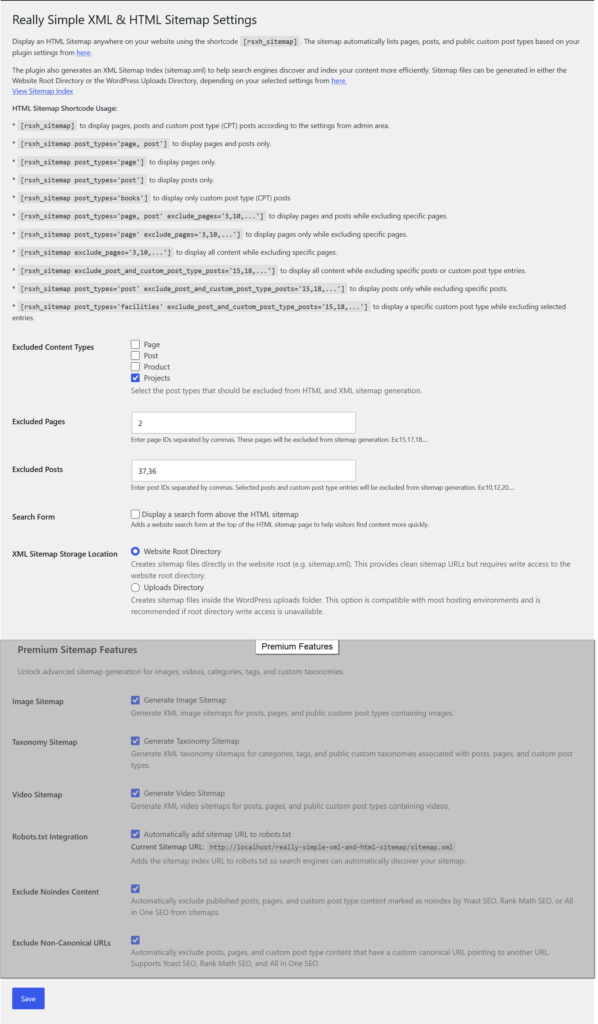
Here we can add settings from the admin area.
- Sitemap Settings: This is a global option to set settings for your sitemap.
Plugin Details
| Current Version : | 1.0.7 |
| Latest Update : | 06/11/2026 |
| Active installations: | 100+ |
| WordPress Version : | 4.0 or higher |
| Tested up to : | 7.1 |
| PHP Version : | 7.4 or higher |
Plugin Features
Free Features
Generate HTML Sitemap using a Shortcode.
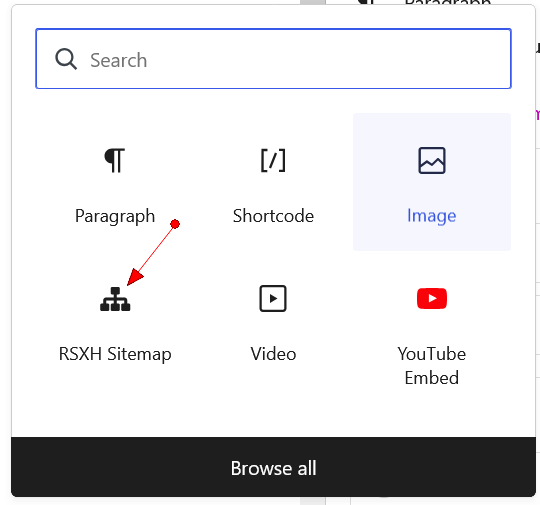
Generate HTML Sitemap using a Gutenberg Block.
Customize search form spacing (margin & padding).
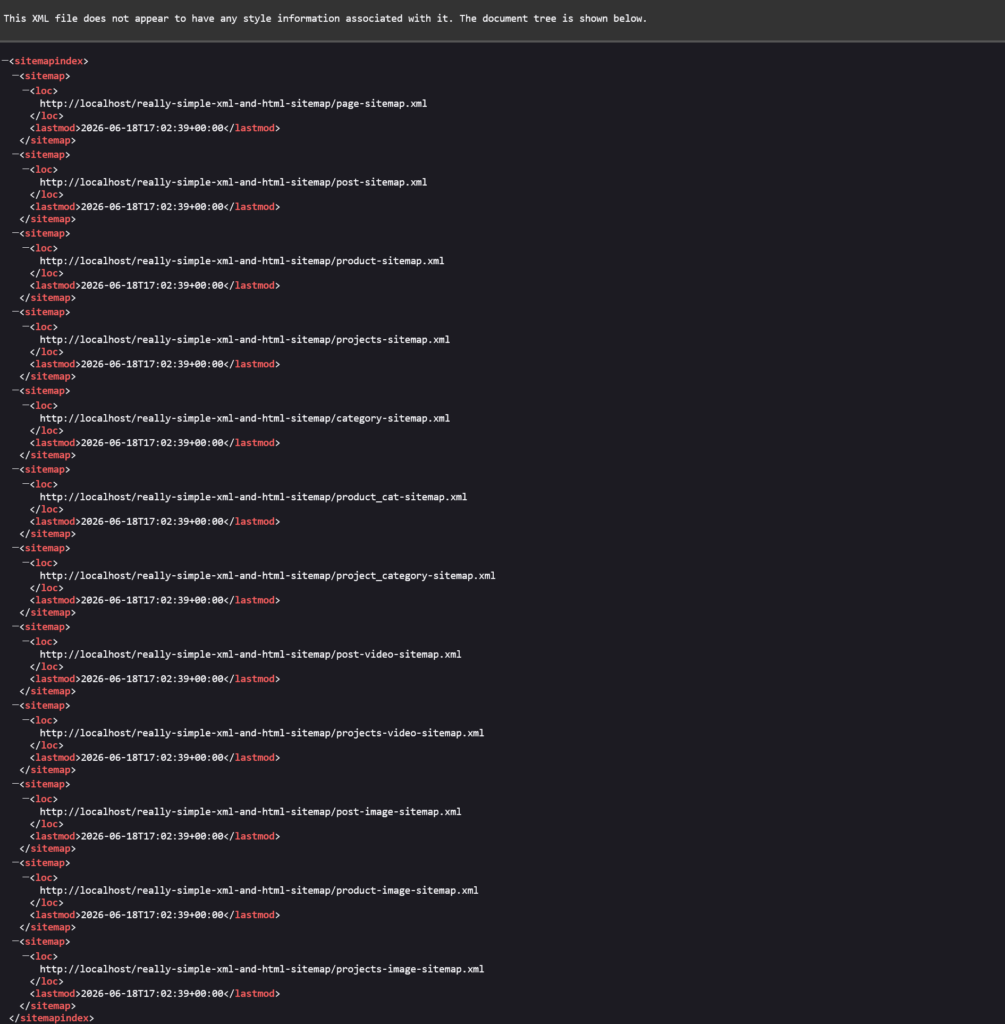
Generate XML Sitemap.
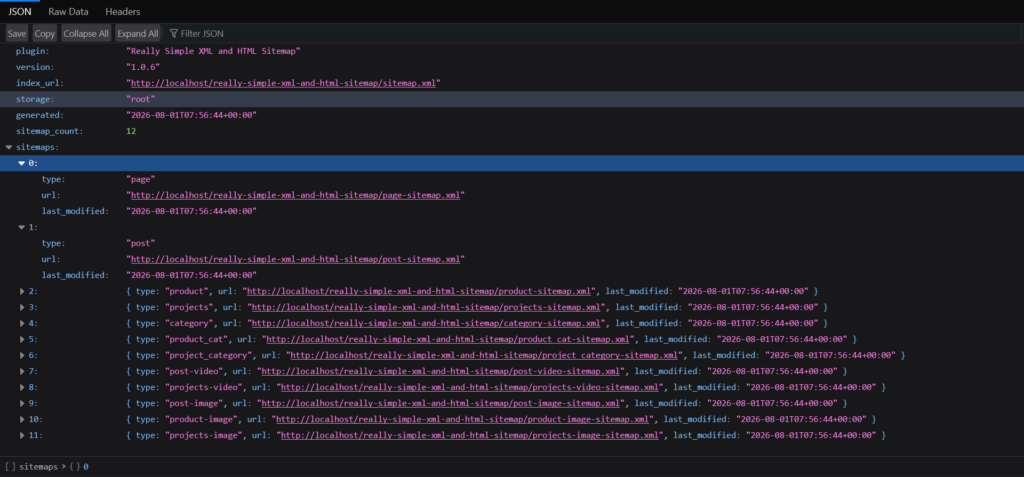
Generate XML Sitemap Index.
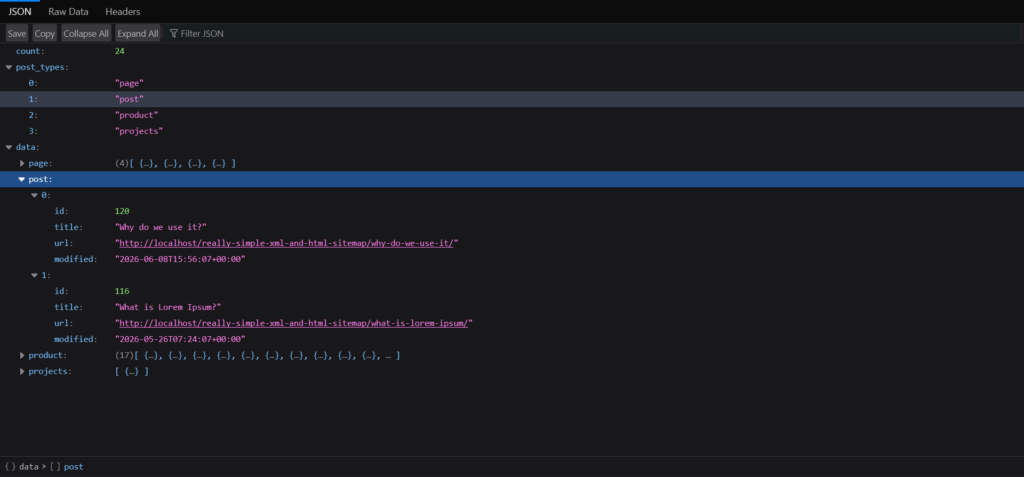
Built-in REST API endpoints for sitemap data.
Support for Posts, Pages and Custom Post Types.
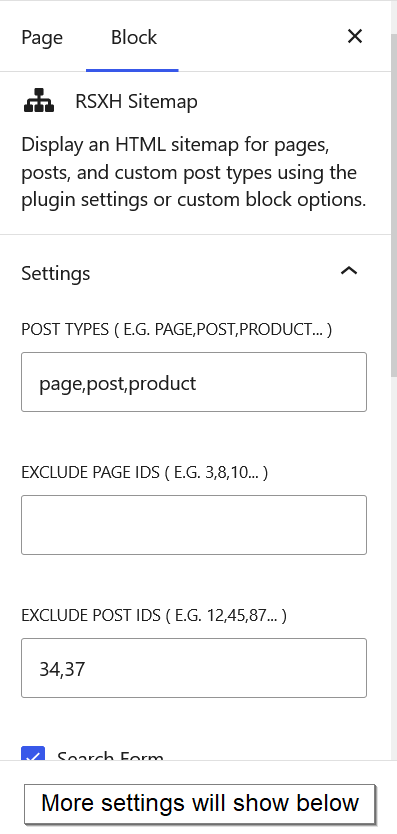
Display specific post types using Shortcode or Block attributes.
Display multiple post types using Shortcode or Block attributes.
Exclude specific pages from HTML sitemap.
Exclude specific posts and custom post type entries.
Exclude specific post types from sitemap output.
Optional search form in HTML sitemap.
WPML and Polylang multilingual support.
WooCommerce Compatible.
Posts displayed hierarchically.
Support for large websites through sitemap splitting.
Easy to use.
Translation ready.
Premium Features
Generate Image Sitemaps
Generate Taxonomy Sitemaps
Generate Video Sitemaps
Support for Categories
Support for Tags
Support for Custom Taxonomies
Automatically exclude content marked as noindex from XML and HTML sitemaps by supported SEO plugins( Yoast SEO, Rank Math SEO, and All in One SEO )
Exclude non-canonical URLs from XML and HTML sitemaps by supported SEO plugins( Yoast SEO, Rank Math SEO, and All in One SEO )
Automatic Robots.txt Sitemap Integration
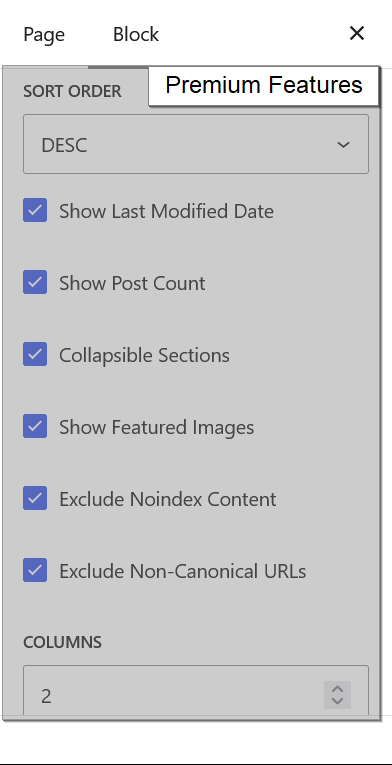
Premium Gutenberg Block Controls: Display post featured images, Display post count, Display last modified date,Sort by Title, Date or Modified Date, Ascending / Descending ordering, Collapsible content sections, Display search form, Customize block columns and responsive mobile columns, Customize column spacing
Additional XML sitemap types for enhanced search engine discovery
Priority Email Support
Really Simple XML and HTML Sitemap Settings Option
- Various shortcode to show sitemap on pages, posts or page templates.
- Exclude post types.
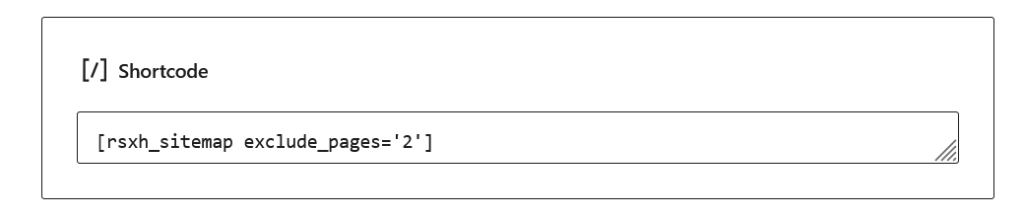
- Exclude pages
- Exclude posts and custom post type( cpt ) posts.
- Generate XML Sitemap
- Generate XML Sitemap Index
- Generate Image Sitemaps
- Generate Taxonomy Sitemaps
- Generate Video Sitemaps
- Automatic Robots.txt Sitemap Integration
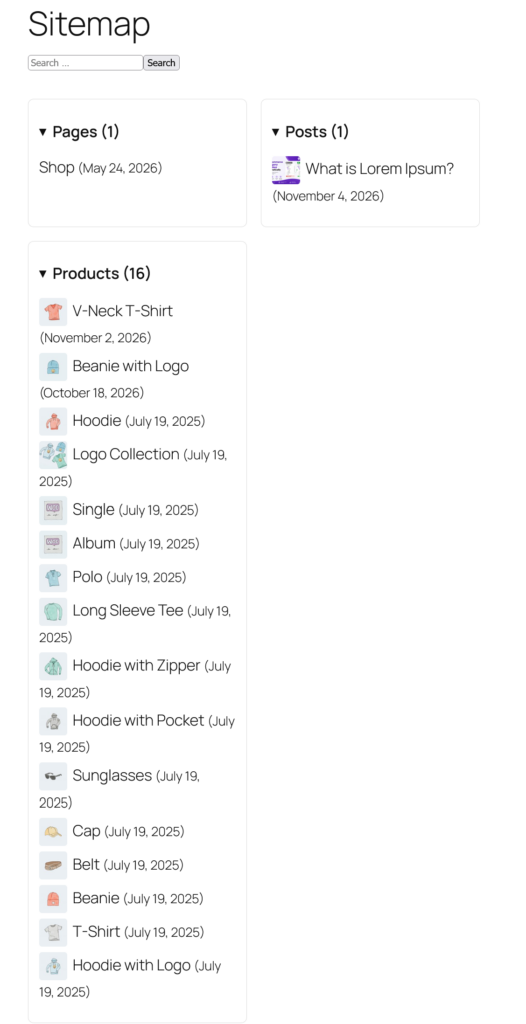
HTML Sitemap
- Show sitemap on pages, posts or page templates using Shortcodes or Gutenberg Block.
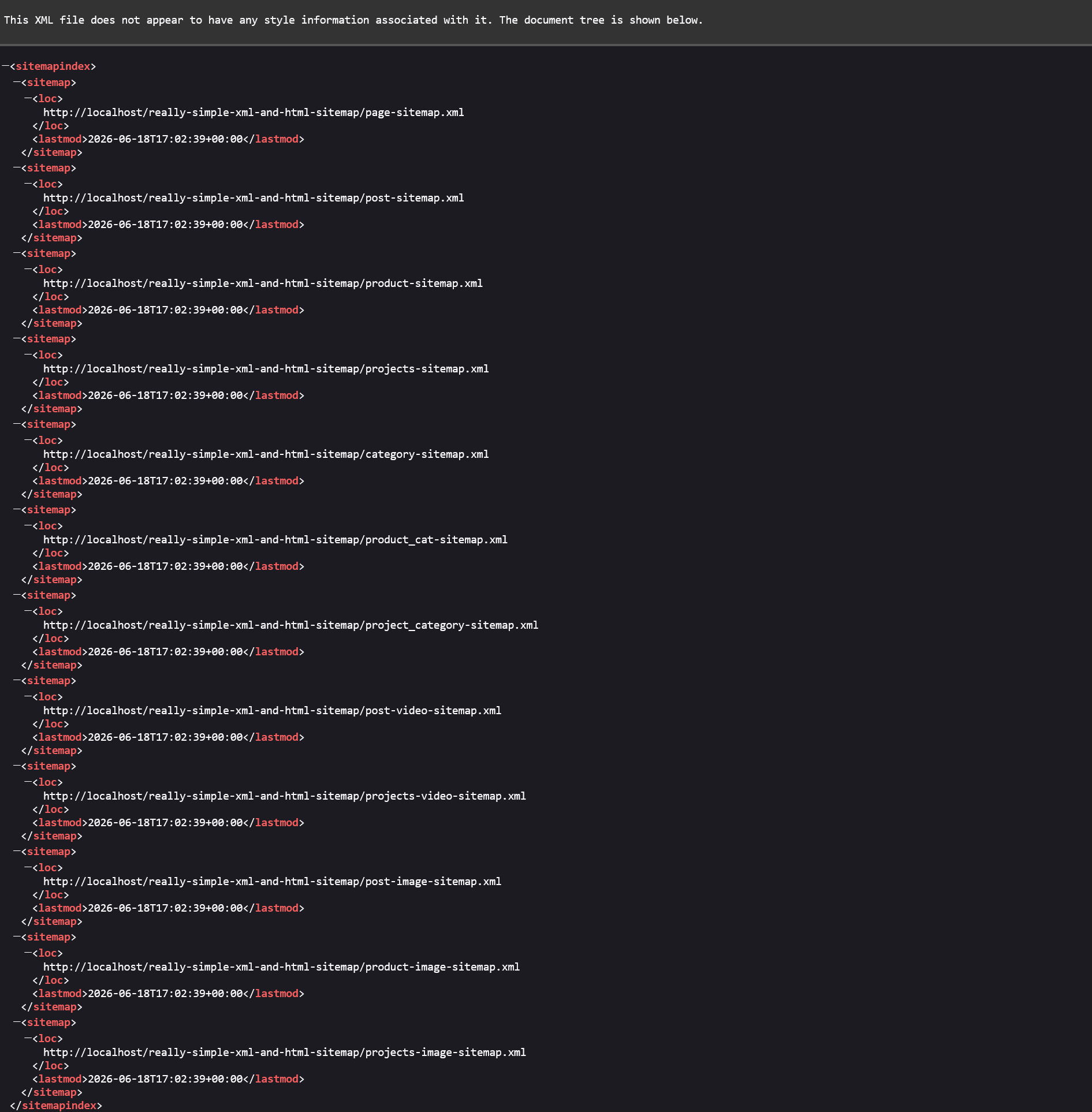
XML Sitemap
- Auto generated XML sitemap which will be placed on your site’s root or uploads directory (file name sitemap.xml).
- Automatic Robots.txt Sitemap Integration.
- It will help search engines like Google, Yahoo and Ask.com to better index your site.
Screenshots
Testimonial
FAQ
Yes. It will placed on your site root directory (file name sitemap.xml). XML sitemaps will help search engines like Google, Yahoo and Ask.com to better index your site.
Yes. It works fine with the Custom Post Type (CPT).
Yes. It can. You have to use following shortcode:
*
to display both the pages and posts.Pages
Posts
*
to display only the pages.
*
to display only the posts.Posts
* You can display Custom Post Type(CPT) using the name of the post type inside the “post_types” attribute. For example:
or [wp_sitemap_page post_types='books'].
Yes. It is. You have to use following shortcode:
*
to display both the pages and posts excluding specific pages.Pages
Posts
*
to display only the pages excluding specific pages.
*
to display all pages, posts and custom post type (CPT) posts excluding specific pages.Pages
Posts
Questions And Answers
Programming with php
*
to display all pages, posts and custom post type (CPT) posts excluding specific posts and custom post type (CPT) posts.Pages
Posts
Questions And Answers
Programming with php
*
to display only the posts excluding specific posts.Posts
* You can display Custom Post Type(CPT) using the name of the post type inside the “post_types” attribute. For example:
to display only defined post type posts excluding specific post type posts.
Image Sitemap generation is available in the Premium version.
Video Sitemap generation is available in the Premium version.
Taxonomy Sitemap generation is available in the Premium version.
Automatic Robots.txt sitemap integration is available in the Premium version.
Yes.
The free version includes a native PHP-only Gutenberg Block that lets you insert an HTML sitemap anywhere using the Block Editor.
The Premium version extends the block with additional display options including:
Featured Images
Post Count
Last Modified Date
Sorting
Collapsible Sections
Yes.
The free version includes REST API endpoints for headless WordPress applications and external integrations.
Available endpoints include:
Sitemap Index
Sitemap Files
HTML Sitemap Data
Generate Sitemap (Administrator only)
Yes. The Premium version can automatically exclude published posts, pages, and custom post type content marked as noindex by supported SEO plugins, including Yoast SEO, Rank Math SEO, and All in One SEO.
Yes. The Premium version provides an option to exclude content with a custom canonical URL pointing to another URL. It supports Yoast SEO, Rank Math SEO, and All in One SEO.