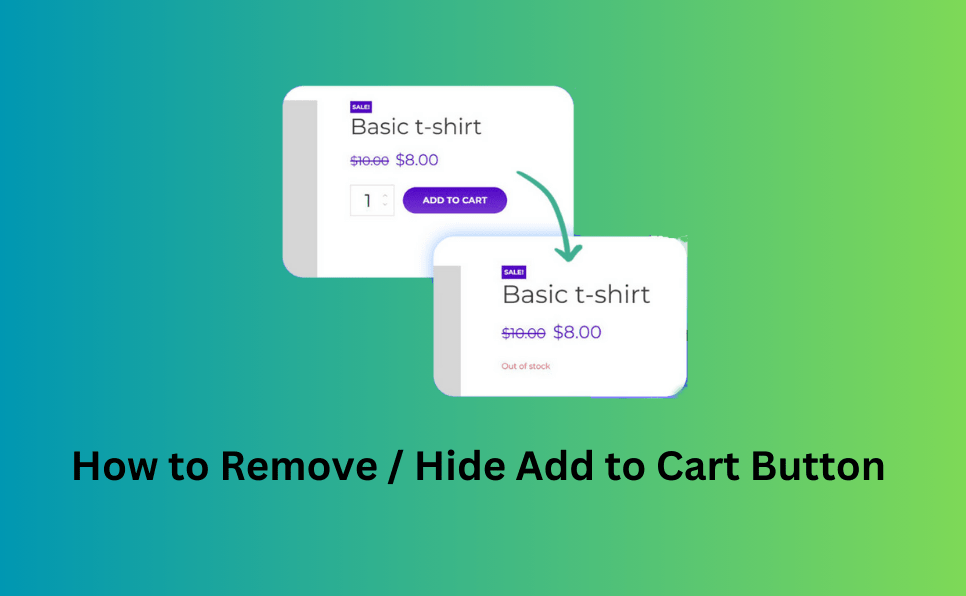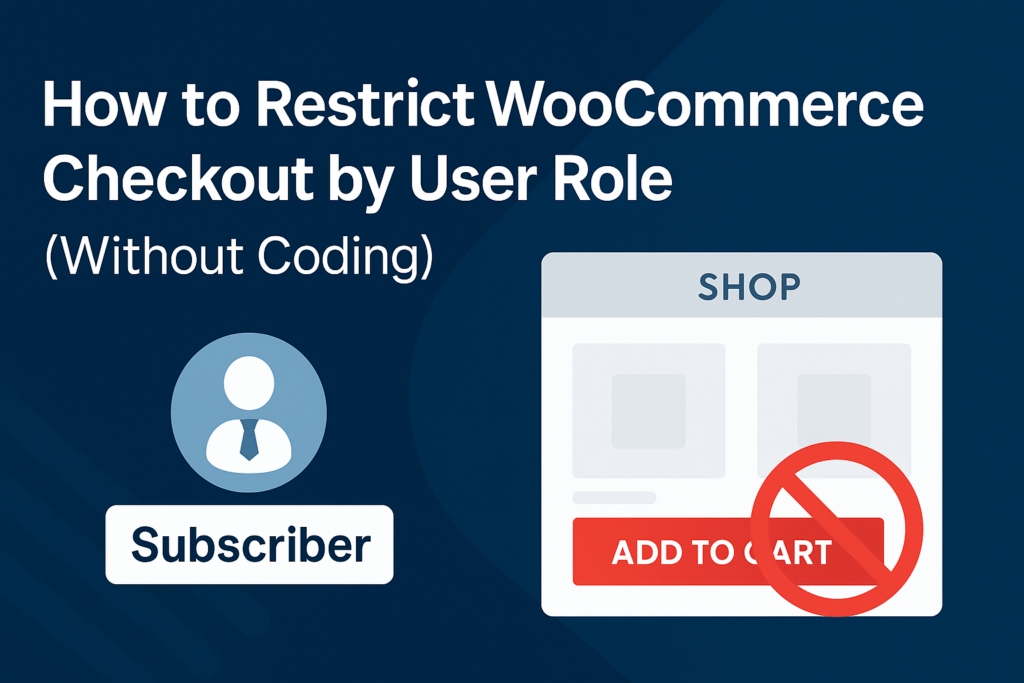
Running a WooCommerce store often means serving different types of customers — retail buyers, wholesale clients, affiliates, or even guest visitors. But what if you want to restrict checkout access based on user roles?
Whether you’re managing a B2B store, offering exclusive products to members, or simply want to turn your shop into a catalog for certain users, controlling the “Add to Cart” button and checkout visibility is essential.
Why Restrict Checkout by User Role?
Here are common scenarios where role-based checkout restrictions make sense:
- Wholesale stores: Only approved wholesalers can place orders.
- Membership sites: Only logged-in members can buy products.
- Affiliate shops: Redirect users to external product pages.
- Catalog mode: Show products without allowing purchases.
Instead of writing custom code or hiring a developer, you can achieve this with a lightweight plugin: 🔌Remove Add to Cart Button for WooCommerce
What This Plugin Does
This plugin gives you granular control over the Add to Cart button and checkout access, based on user roles, countries, or even specific products.
Key Features:
- Hide Add to Cart button for specific user roles (e.g., Subscriber, Guest, Customer)
- Disable checkout for non-logged-in users or custom roles
- Redirect to external URLs (great for affiliate products)
- Hide price for selected roles or countries
- Enable catalog mode for public visitors
Final Thoughts
Restricting WooCommerce checkout by user role is a powerful way to tailor your store experience. With the Remove Add to Cart Button for WooCommerce plugin, you can do it without touching a single line of code.
Whether you’re building a catalog-only shop, managing wholesale access, or running an affiliate store — this plugin gives you the flexibility you need.
Download the plugin now and take control of your WooCommerce checkout flow.
Plugins to Enhance Your WooCommerce Store
Carefully selected tools to help you customize, manage, and optimize your WooCommerce experience.
Woo Parent Category Selector
- Automatically assign parent categories when child categories are selected
- Prevent accidental removal of required parent categories
- Automatically repairs missing parent category assignments during product save
- Bulk repair existing WooCommerce product category structures
- Keeps product category structures organized and consistent
Product Catalog Mode For WooCommerce
- Turn your WooCommerce store into catalog mode instantly
- Hide Add to Cart buttons and product prices conditionally
- Apply rules by user role, country, or scheduled time periods
- Display custom messages and inquiry options for products
- Control visibility settings globally or per product

Remove Add to Cart Button for WooCommerce
- Remove Add to Cart buttons from shop and product pages
- Hide buttons conditionally for selected products or categories
- Replace Add to Cart with custom text or messages
- Control button visibility by user role and product type
- Lightweight settings interface with easy customization

Remove Product Content for WooCommerce
- Hide product title, image, price, rating, and descriptions
- Remove tabs, meta information, SKU, tags, and related products
- Control visibility separately for shop and single product pages
- Customize WooCommerce layouts without coding
- Enable or disable content elements with simple settings

Really Simple XML and HTML Sitemap
- Generate both XML and HTML sitemaps automatically
- Display sitemaps anywhere using ShortCode support
- Include pages, posts, and custom post types
- Exclude selected pages or posts easily
- Supports WPML and Polylang multilingual plugins