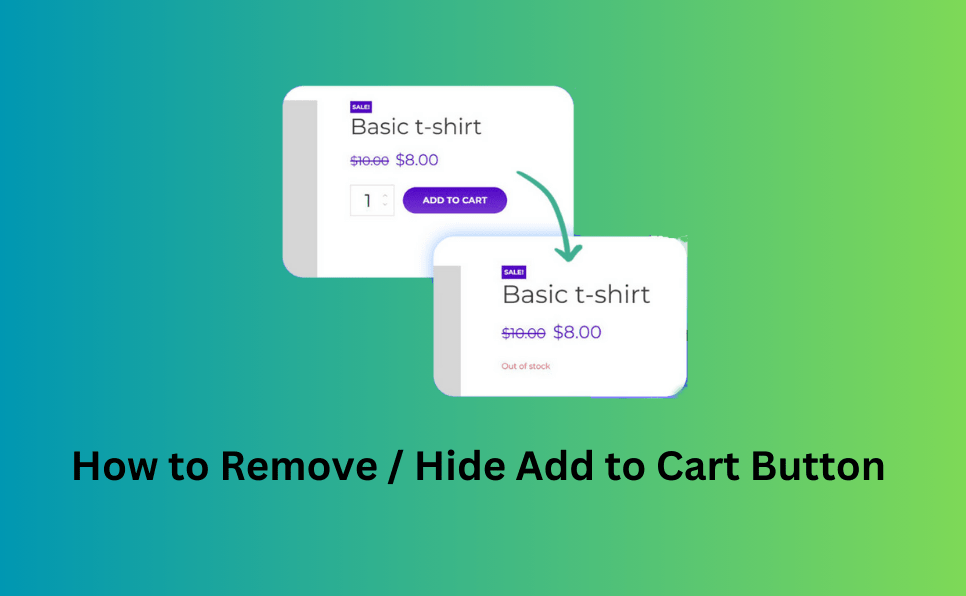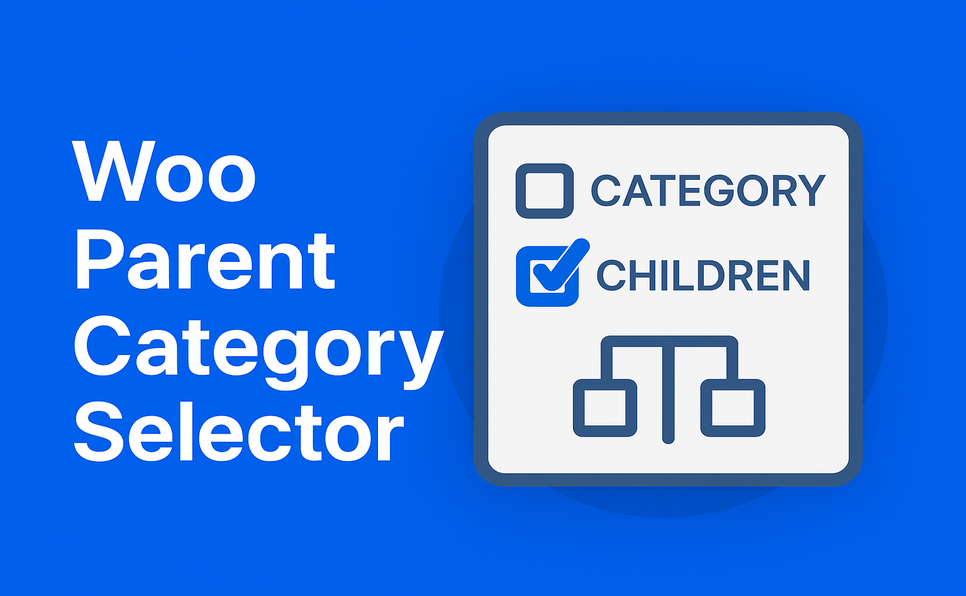
Managing product categories in WooCommerce seems simple—until your store grows. When you have dozens of categories, hundreds of subcategories, and multiple team members adding products, keeping the category hierarchy clean and accurate becomes a real challenge.
This is where features like automatically selecting parent categories when a child category is chosen, and preventing parent category deselection when subcategories are still selected, become extremely valuable. These two behaviors ensure category accuracy, improve SEO, and prevent human errors that negatively impact your store.
Let’s explore why these functions are important for every WooCommerce store.
1. WooCommerce Requires a Clean Category Hierarchy (But Doesn’t Enforce It)
WooCommerce allows selecting child categories without their parent category being selected.
This can create several problems:
- Products appear in subcategory pages but not in the main category page
- Parent categories show “0 products,” confusing customers
- Broken category structure harms SEO
- Filtering plugins fail to display products correctly
- Breadcrumb navigation becomes inconsistent
Without enforced parent–child selection behavior, it’s easy for store managers—especially new team members—to create accidental category mismatches.
Automatically selecting parent categories solves all of these issues instantly.
2. Preventing Deselecting a Parent Category Stops Accidental Data Loss
Imagine this scenario:
A product is assigned to:
- Clothing
- Accessories
- Bags
- Accessories
If someone accidentally unchecks Clothing, WooCommerce would still keep Accessories checked, leaving the product in a child category without its parent.
This creates:
- Product in a child category without its parent
- Misaligned category paths
- Poor customer navigation
- Incomplete paths for breadcrumb SEO
Preventing this mistake ensures your category tree always remains logically structured.
3. Better SEO Through Strong Hierarchical Integrity
Search engines love well-organized taxonomy.
When parent and child categories are properly linked:
- Category pages become stronger landing pages
- Internal linking improves automatically
- Breadcrumbs become SEO-friendly
- Google understands product relationships more clearly
A clean site architecture = better rankings.
Your store gains SEO authority, and shoppers can find products faster.
4. Improved User Experience With Accurate Category Filtering
Most WooCommerce stores use:
- Ajax product filters
- Product category widgets
- Menu-based category navigation
- Search tools
If a product doesn’t follow correct parent-child category assignment, it:
- Disappears from some category pages
- Appears unexpectedly in wrong listings
- Breaks filtering behavior
- Confuses customers
Automatic parent-category selection ensures every product appears exactly where users expect.
5. Prevent Team Errors (Especially in Multi-Admin Stores)
If multiple team members manage products, mistakes are inevitable.
New staff or freelancers often:
- Forget to select parent categories
- Remove parent categories without realizing the impact
- Misunderstand your category structure
- Break SEO unintentionally
These rules act like a safety net, ensuring:
- No category mismatch
- No product in a child category without its parent
- No broken breadcrumbs
- No SEO disasters caused by human mistakes
It keeps your store’s structure consistent every single time.
6. Faster Product Editing = Higher Productivity
When managing hundreds or thousands of products, even small efficiencies matter.
Automatically selecting parent categories:
- Saves time
- Reduces manual clicks
- Prevents repetitive work
- Makes category management painless
Additional useful options:
🟢 Hide default “Uncategorized” category – Keeps the product editor clean by hiding an irrelevant choice.
🟢 Allow only one category per product – Ideal for stores that require strict categorization and want to avoid errors.
It boosts efficiency for store owners, virtual assistants, and product managers.
The Woo Parent Category Selector plugin solves these issues by automatically selecting all parent categories whenever a child category is chosen—and by preventing the deselection of any parent category that still has selected children. This ensures your product taxonomy always stays clean, consistent, and SEO-friendly.
You can learn more or download it from here: Woo Parent Category Selector Plugin
Plugins to Enhance Your WooCommerce Store
Carefully selected tools to help you customize, manage, and optimize your WooCommerce experience.
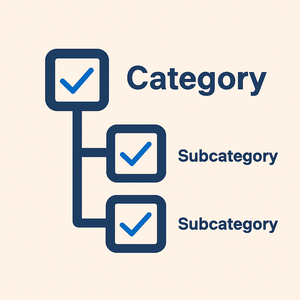
Woo Parent Category Selector
- Automatically assign parent categories when child categories are selected
- Prevent accidental removal of required parent categories
- Automatically repairs missing parent category assignments during product save
- Bulk repair existing WooCommerce product category structures
- Keeps product category structures organized and consistent
Product Catalog Mode For WooCommerce
- Turn your WooCommerce store into catalog mode instantly
- Hide Add to Cart buttons and product prices conditionally
- Apply rules by user role, country, or scheduled time periods
- Display custom messages and inquiry options for products
- Control visibility settings globally or per product

Remove Add to Cart Button for WooCommerce
- Remove Add to Cart buttons from shop and product pages
- Hide buttons conditionally for selected products or categories
- Replace Add to Cart with custom text or messages
- Control button visibility by user role and product type
- Lightweight settings interface with easy customization

Remove Product Content for WooCommerce
- Hide product title, image, price, rating, and descriptions
- Remove tabs, meta information, SKU, tags, and related products
- Control visibility separately for shop and single product pages
- Customize WooCommerce layouts without coding
- Enable or disable content elements with simple settings

Really Simple XML and HTML Sitemap
- Generate both XML and HTML sitemaps automatically
- Display sitemaps anywhere using ShortCode support
- Include pages, posts, and custom post types
- Exclude selected pages or posts easily
- Supports WPML and Polylang multilingual plugins