How to Hide Product Categories, Tags & Brands in WooCommerce (With or Without a Plugin)

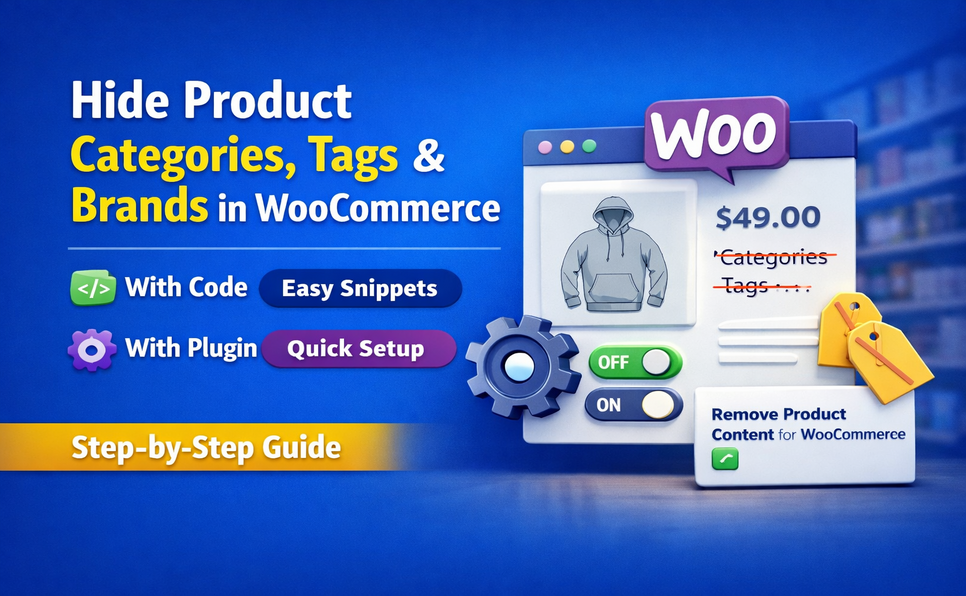
Hide product categories, tags, and brands in WooCommerce the right way. This guide shows a reliable code method using the get_the_terms filter, plus an easier no-code solution with the Remove Product Content for WooCommerce plugin. Perfect for creating clean product pages or a full catalog mode setup.

How to Hide Product Categories, Tags & Brands in WooCommerce (With or Without a Plugin) Read More »

How to Modify WPForms Email Notification Message to Add Page Information (Page ID, Name & URL)

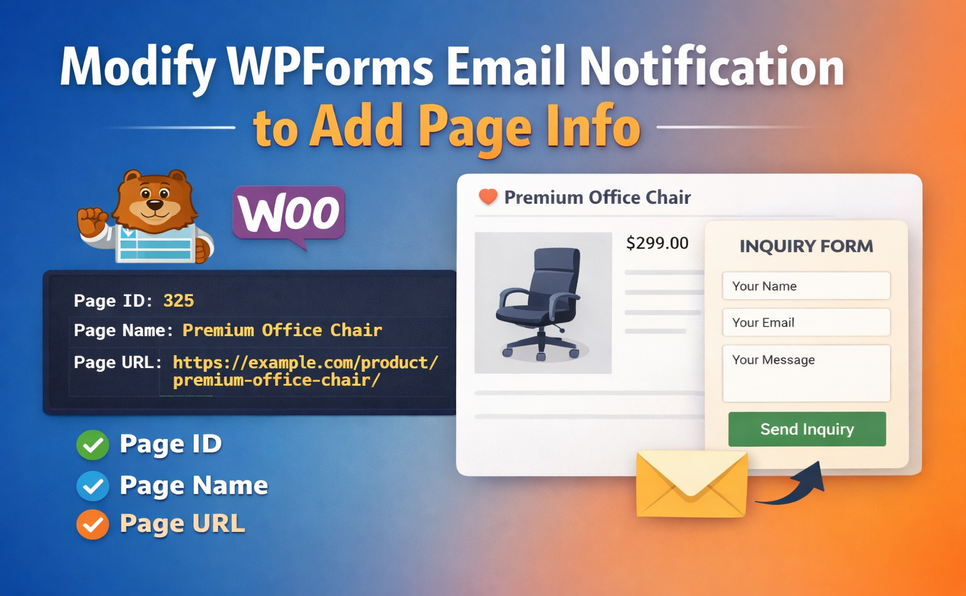
Sometimes it’s important to know exactly which page a form submission came from. In this tutorial, we’ll show you how to modify WPForms email notifications to include the Page ID, Page Name, and Page URL where the form was submitted. This is especially useful when the same form is used across multiple pages or WooCommerce product pages.

How to Modify WPForms Email Notification Message to Add Page Information (Page ID, Name & URL) Read More »

Restrict WooCommerce Checkout by User Role – No Coding Needed

How to Restrict WooCommerce Checkout by User Role (Without Coding)

Running a WooCommerce store often means serving different types of customers — retail buyers, wholesale clients, affiliates, or even guest visitors. But what if you want to restrict checkout access based on user roles? Whether you’re managing a B2B store, offering exclusive products to members, or simply want to turn your shop into a catalog

How to Restrict WooCommerce Checkout by User Role (Without Coding) Read More »

WooCommerce Store Hours Plugin – Open and Close Your Shop Automatically

Running an online store isn’t just about listing products—it’s about managing customer expectations. One of the most overlooked aspects of eCommerce is store availability. Just like physical shops have opening and closing times, online stores may also need to restrict purchases during certain hours. Whether you’re running a wholesale business, a restaurant offering online orders,

WooCommerce Store Hours Plugin – Open and Close Your Shop Automatically Read More »

Why and When to Use Catalog Mode in WooCommerce: A Complete Guide for Store Owners

Running a WooCommerce store means constantly balancing customer experience with backend operations. Sometimes, selling products immediately isn’t ideal—or even possible. There are situations where showing your product catalog without enabling purchases becomes not only helpful, but essential. Catalog Mode (or temporarily disabling sales) allows WooCommerce store owners to keep their site active, visible, and informative

Why and When to Use Catalog Mode in WooCommerce: A Complete Guide for Store Owners Read More »

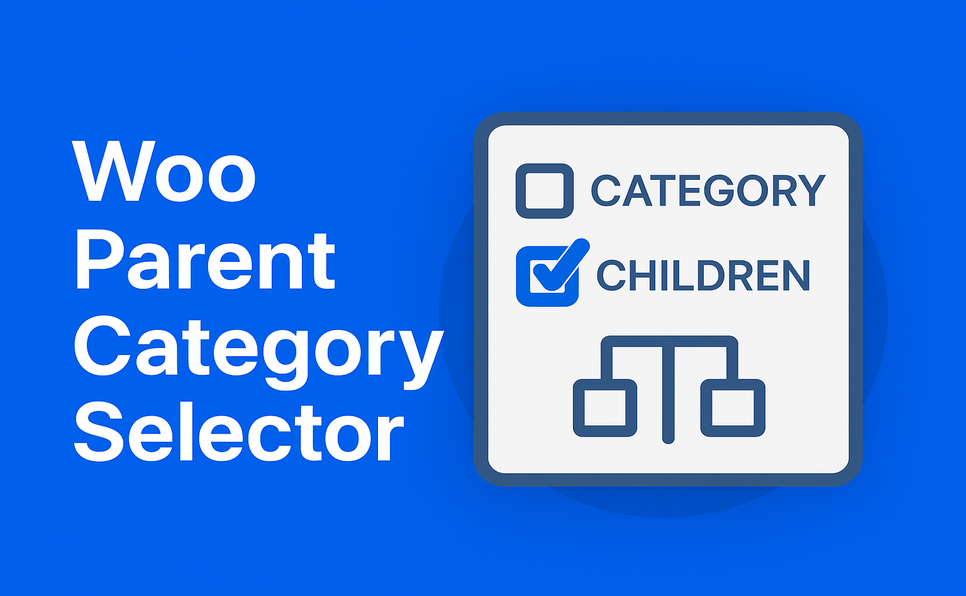
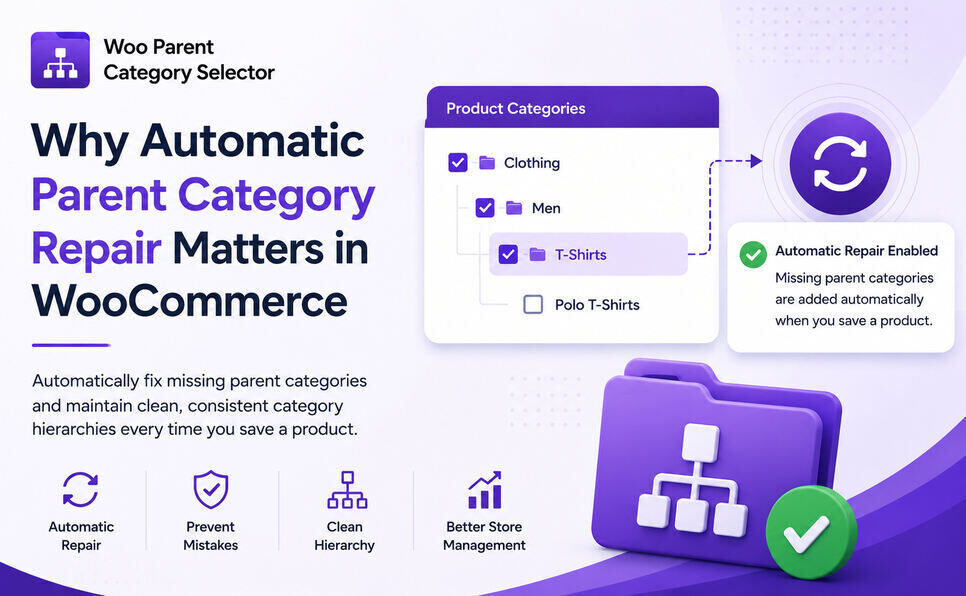
Why Automatic Parent Category Selection Matters in WooCommerce

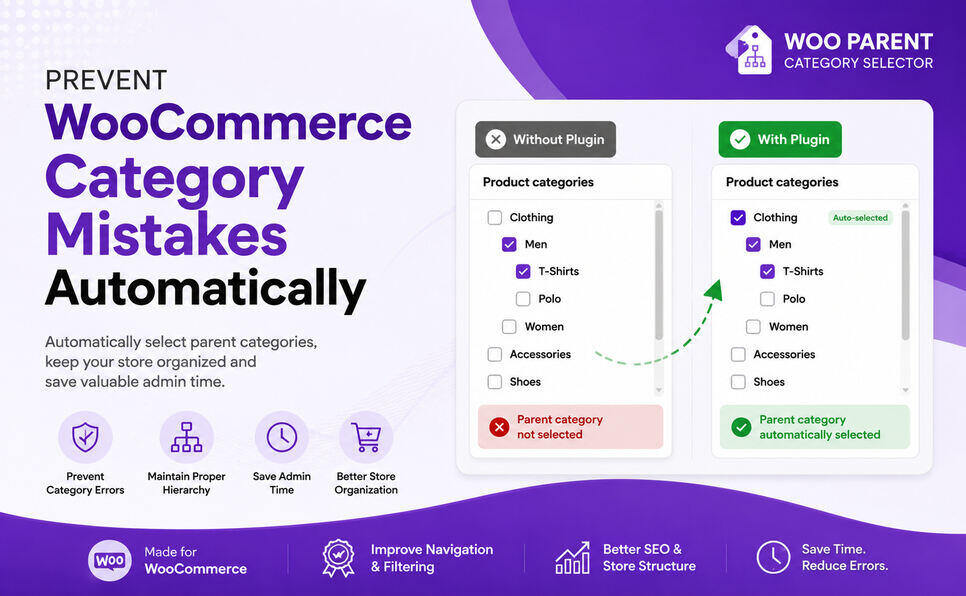
Woo Parent Category Selector ensures category integrity in WooCommerce by automatically selecting parent categories when a child is chosen and by preventing deselecting a parent that still has selected children. Save time, avoid errors, and keep menus, filters and SEO-friendly taxonomy structure consistent across your store.

Why Automatic Parent Category Selection Matters in WooCommerce Read More »

Scroll to Top