Running an online store isn’t just about listing products—it’s about managing customer expectations. One of the most overlooked aspects of eCommerce is store availability. Just like physical shops have opening and closing times, online stores may also need to restrict purchases during certain hours. Whether you’re running a wholesale business, a restaurant offering online orders, or a store that only operates within specific timeframes, having control over when your WooCommerce store is open or closed is essential.
Why Store Hours Matter in WooCommerce
🕒 Customer Clarity – Shoppers know exactly when they can place orders.
⚡ Operational Efficiency – Prevents orders during downtime, holidays, or maintenance periods.
🔒 Better Control – Gives store owners flexibility to manage availability without disabling the entire site.
Without a proper solution, store owners often resort to clunky workarounds like manually disabling checkout or hiding products. That’s where a plugin like Product Catalog Mode for WooCommerce comes in.
Introducing: Product Catalog Mode for WooCommerce
Product Catalog Mode for WooCommerce is a powerful plugin that goes beyond just catalog functionality. One of its standout features is the ability to set open and close store hours, giving you full control over when customers can shop.
Key Features
⏰ Set Store Hours – Define specific times when your store is open for orders.
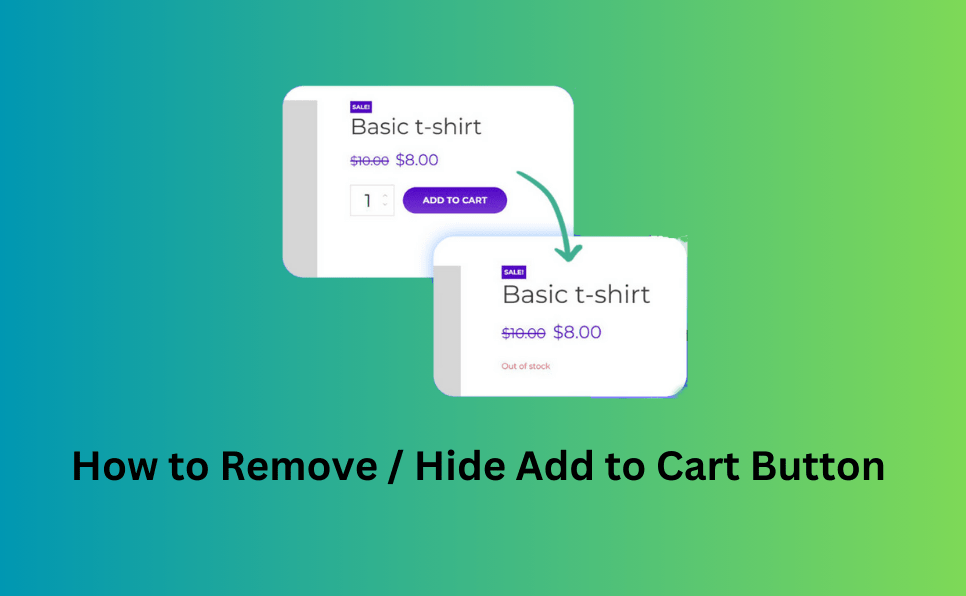
🚫 Automatic Close Mode – Outside of business hours, your store can switch to catalog mode, hiding the “Add to Cart” button.
📅 Flexible Scheduling – Perfect for businesses with daily or weekly operating hours.
🛠️ Seamless Integration – Works smoothly with WooCommerce without breaking your theme or checkout flow.
🎨 Custom Messaging – Display personalized notices to inform customers when the store is closed.
Real-World Use Cases
- Restaurants & Cafés – Accept online orders only during kitchen hours.
- Wholesale Businesses – Limit purchases to working hours for better inventory management.
- Seasonal Shops – Automatically close during off-season while still showcasing products.
- Maintenance Periods – Temporarily disable checkout while keeping your catalog visible.
Why Choose This Plugin?
Unlike generic catalog plugins, Product Catalog Mode for WooCommerce is designed with flexibility in mind. You don’t just get catalog functionality—you get time-based control that adapts to your business model. This ensures customers always have a smooth experience while you maintain full control over your store’s availability.
Final Thoughts
Managing store hours in WooCommerce doesn’t have to be complicated. With the Product Catalog Mode for WooCommerce plugin, you can easily set open and close times, switch to catalog mode outside of business hours, and keep your customers informed. It’s the perfect solution for businesses that want to balance availability with professionalism.
👉 Ready to take control of your store hours? Download Product Catalog Mode for WooCommerce today and give your customers a seamless shopping experience.
Plugins to Enhance Your WooCommerce Store
Carefully selected tools to help you customize, manage, and optimize your WooCommerce experience.
Woo Parent Category Selector
- Automatically assign parent categories when child categories are selected
- Prevent accidental removal of required parent categories
- Automatically repairs missing parent category assignments during product save
- Bulk repair existing WooCommerce product category structures
- Keeps product category structures organized and consistent
Product Catalog Mode For WooCommerce
- Turn your WooCommerce store into catalog mode instantly
- Hide Add to Cart buttons and product prices conditionally
- Apply rules by user role, country, or scheduled time periods
- Display custom messages and inquiry options for products
- Control visibility settings globally or per product

Remove Add to Cart Button for WooCommerce
- Remove Add to Cart buttons from shop and product pages
- Hide buttons conditionally for selected products or categories
- Replace Add to Cart with custom text or messages
- Control button visibility by user role and product type
- Lightweight settings interface with easy customization

Remove Product Content for WooCommerce
- Hide product title, image, price, rating, and descriptions
- Remove tabs, meta information, SKU, tags, and related products
- Control visibility separately for shop and single product pages
- Customize WooCommerce layouts without coding
- Enable or disable content elements with simple settings

Really Simple XML and HTML Sitemap
- Generate both XML and HTML sitemaps automatically
- Display sitemaps anywhere using ShortCode support
- Include pages, posts, and custom post types
- Exclude selected pages or posts easily
- Supports WPML and Polylang multilingual plugins